
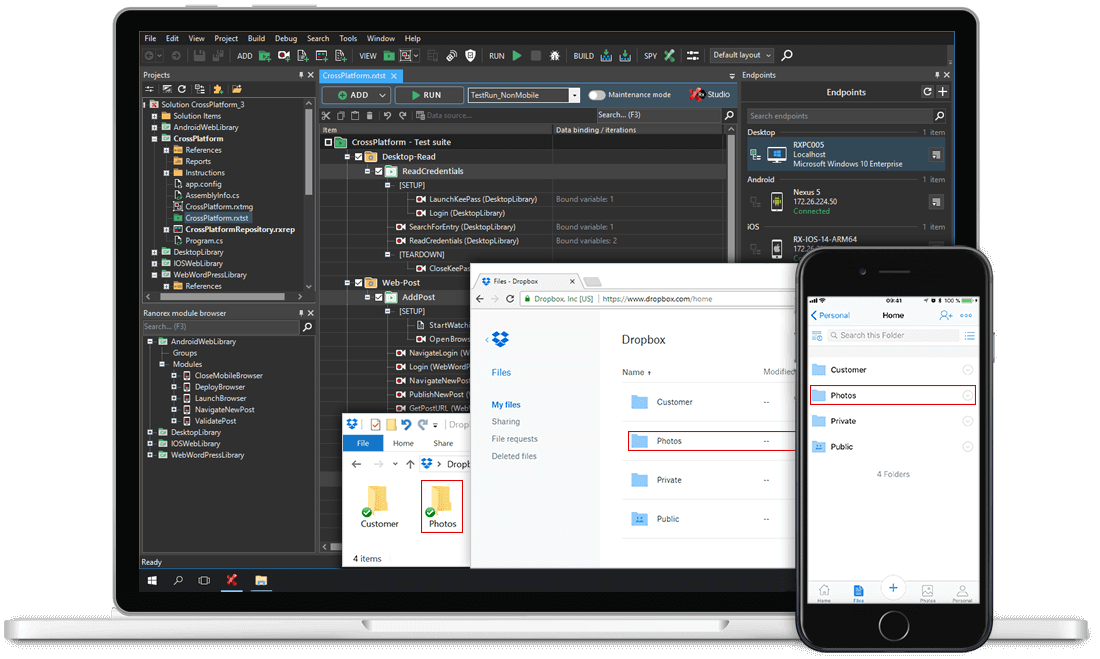
Ranorex Studio empowers teams to automate tests across a broad range of Java technologies, from Java applets in web browsers to full standalone applications. Java instrumentation is automatically enabled out of the box, with no need for manual instrumentation.
Zu den unterstützten Java-Technologien gehören:
The Ranorex Java plug-in supports applications built with Java GUI widget toolkits, with native support for JavaFX 2.0 and higher and SWT components for improved object recognition stability.

Easily build maintainable automated tests for Java applications, with or without writing code. Ranorex Studio is designed for all skill levels, from testers new to automation to experienced developers who want maximum control.
Build sophisticated tests for Java applications without writing code using Ranorex Studio’s capture-and-replay functionality. Easily edit recorded actions, add text and image validations, set parameter values, and build data-driven or keyword-driven tests. Experience the benefits of test automation without the steep learning curve.
For teams who prefer to write tests in code, Ranorex Studio offers a full integrated development environment to edit recordings or create custom tests from scratch. Speed up development with intelligent code completion, code templates, debugging tools, refactoring mechanisms, and more. Store modules in the user code library to share across development team members.
Ranorex Studio’s GUI object recognition speeds up test development and reduces the cost of test maintenance. Search for multiple UI elements, identify controls with specific attributes, and recognize related elements by sibling relationships. Ranorex Studio also handles web elements with dynamic IDs using a machine-learned algorithm, making end-to-end testing of Java web applications more stable and maintainable.
Ranorex Studio’s built-in testing methodology helps teams reduce test maintenance effort. Separate test data from test cases using Excel files, CSV files, and SQL connectors. Set data values with local and global parameters. Build reusable code modules, search them with the Ranorex Module Browser, and drag-and-drop them into test cases. This modular approach supports page object model patterns and scales across complex Java applications.
The object repository manages GUI elements and separates test objects from their RanoreXPath to make automated tests easier to maintain. Drag-and-drop objects from the repository to use them in code modules. Give application elements user-defined names to improve test readability. Share code modules and repository objects across projects to support team collaboration and reduce duplication.
Ranorex Studio provides public APIs, so it fits into your existing toolchain. Automatically trigger test runs from continuous integration processes, including Jenkins, Hudson, or Bamboo. Produce JUnit-compatible test reports and submit test results to issue tracking solutions such as Jira and Bugzilla. Use Git, TFS, or SVN for source control. Ranorex integrates with the tools your team already uses for regression testing and end-to-end testing workflows.

Selenium WebDriver is built into the core of Ranorex Studio for cross-browser web application testing.
Develop Selenium tests for Java web applications using Ranorex Studio’s user-friendly interface, capture-and-replay technology, full IDE, and debugging tools. Avoid fragile selectors and unstable test scripts, and instead run scalable web tests in native browsers on Windows, macOS, and Linux. Configure capabilities for Selenium nodes in JSON format using Ranorex Studio’s capabilities configurator. Use the Ranorex Parallel Runner with Selenium Grid environments to execute tests across Selenium-supported platforms.
Ranorex Studio gives teams a mature framework for Java test automation across desktop, web, and mobile applications.




















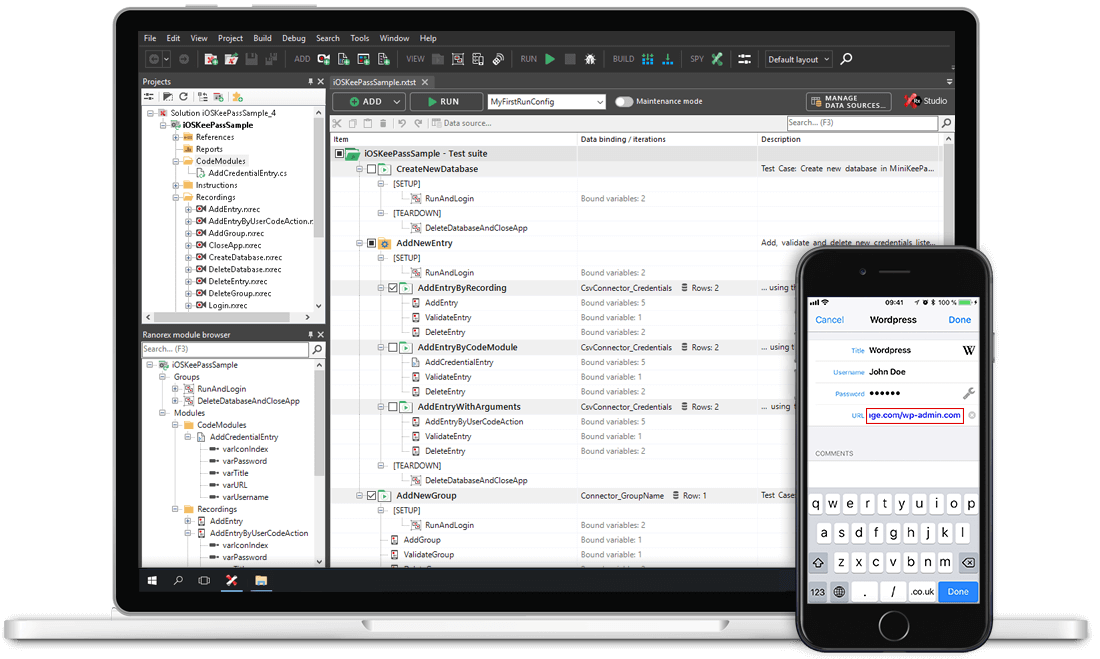
Ranorex Studio supports major Java technologies out of the box with no manual instrumentation required.