
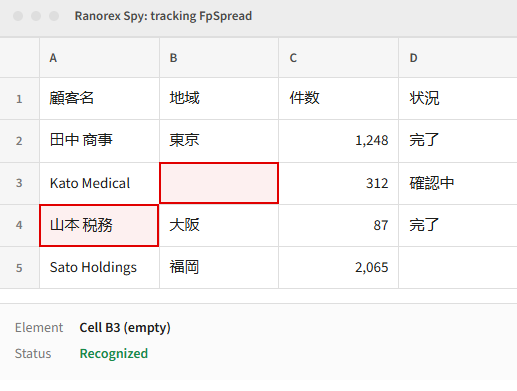
Mescius SPREAD and MultiRowPlus are spreadsheet style grid controls used in Windows Forms and WPF desktop applications. They are common in data heavy systems such as government tax and debt collection platforms and internal healthcare care management systems.
Their custom rendering has historically made them hard for automation tools to recognize at the cell level. Ranorex Studio now identifies these controls and their individual elements directly in Ranorex Spy.
Scope note: Support covers these three components at these specific versions, with one exception: empty cell recognition also works on SPREAD for Windows Forms 12.0J. Other older versions and other Mescius product lines are not currently supported. See the full Mescius controls support article for how to identify these elements in Ranorex Spy.
No. Native recognition is scoped to SPREAD for Windows Forms 17.0J, MultiRowPlus for Windows Forms 12, and SPREAD for WPF 4.0J.
No. On Windows Forms, cells with numbers, Latin characters, or Japanese text are recognized. On WPF, cells with English or Japanese text are recognized. Support works for any desktop application using these Mescius controls, regardless of locale.
Empty cell recognition also works on SPREAD for Windows Forms 12.0J. Other older versions are not currently in scope. Contact our sales team to discuss your specific environment.
No. For the supported Windows Forms controls, native recognition replaces the previous GDI+ capture workaround, and you don't need to add the control's class name to the GDI capture list.
Applications built with .NET Framework or .NET are supported across all three components.
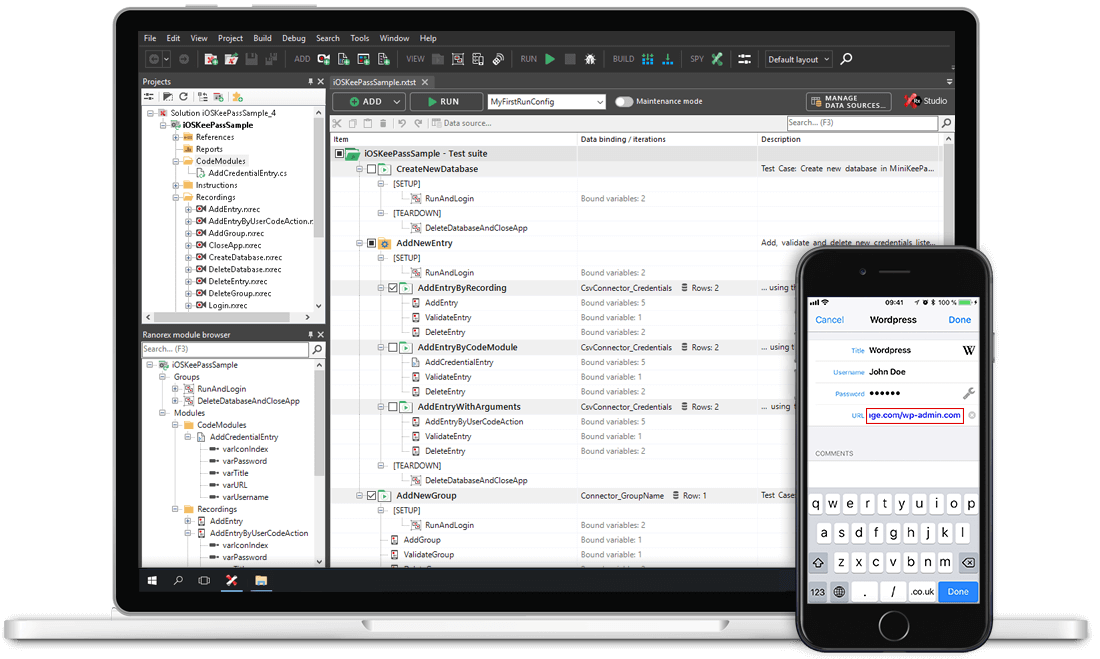
Talk to our team about testing Mescius SPREAD and MultiRowPlus grid controls in your desktop applications.