

When teams skip BDD testing, they risk building software that misses the mark, leading to user frustration, costly rework, and delayed releases. BDD brings developers, testers, and stakeholders together to align on requirements to make sure that applications meet user needs. It helps teams work smarter, avoid redundancy, and deliver software faster.
Behavior-Driven Development testing is a collaborative approach that defines application behavior through real-world user scenarios. Using plain-language scripts written in Gherkin syntax, BDD helps teams describe how software should behave from the user’s perspective and not just how the code functions.
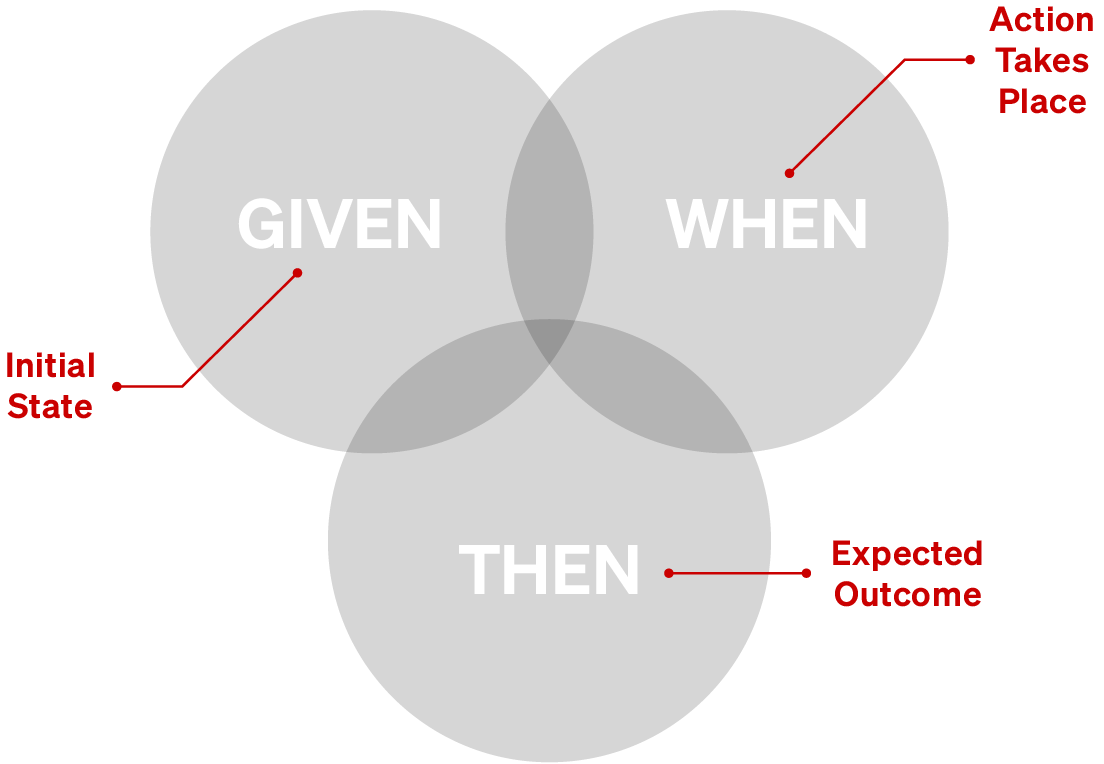
Unlike Test-Driven Development (TDD), which focuses on validating code units, BDD aligns all stakeholders on user expectations early. Scenarios follow a simple “Given-When-Then” format, making them easy to write, read, and share. This clarity ensures software meets real-world needs, keeps teams on track, and accelerates development.


BDD testing is most impactful at the start of development, during requirements gathering and sprint planning—when aligning on user expectations is critical. BDD also plays a key role during QA cycles to validate application behavior consistently across platforms.
Define clear Gherkin scenarios (e.g., “Given a user is logged in, When they click ‘Submit,’ Then the form saves”), to align on expected behaviors.
Use DesignWise to create lean test suites that maximize coverage and eliminate redundancies.
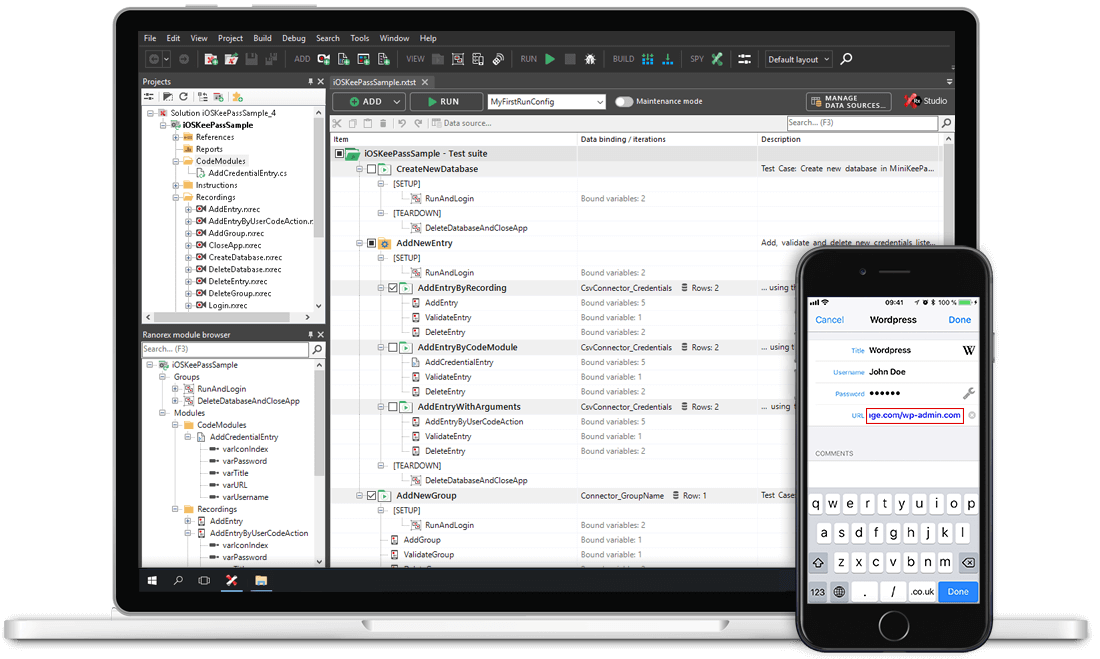
Map Gherkin steps to automated scripts with Ranorex Studio. Choose codeless tools for speed or dive into code for advanced control.
Analyze detailed reports with screenshots and logs to pinpoint issues, refine scenarios, and maintain continuous quality.
BDD testing is most impactful at the start of development during requirements gathering and sprint planning when aligning on user expectations is critical. BDD also plays a key role during QA cycles to validate application behavior consistently across platforms.

Ranorex Studio and DesignWise are purpose-built to make BDD testing efficient, scalable, and user-friendly:
Write and manage “Given-When-Then” scenarios in Ranorex Studio or DesignWise’s built-in Gherkin editor with autocomplete.
Create automated tests without coding, or extend with C#/VB.NET for advanced use cases.
Validate web, desktop, and mobile apps with a single test suite.
Export DesignWise tests to Ranorex Studio, HPQC/ALM, or other tools in formats like Gherkin Feature Files.
Align business goals with test automation to deliver software that works for real users. Start your free trial and see how Ranorex Studio makes BDD testing easy.