
Agile has changed the way we approach development and testing. At least it should. Release cycles are shorter, requirements change rapidly and quality standards are higher than they’ve ever been. To have the slightest chance at scoring a medal in the agile testing games, we’ve got to understand the rules of the game and get the right tools. So let’s get at it together.
I am trying to break down the requirements agile testing should meet on five basic principles. Based on these, I’ll show you the benefits we’ve experienced ourselves when using Ranorex for agile testing and how your team will also benefit from using Ranorex for agile test automation.
Fast feedback
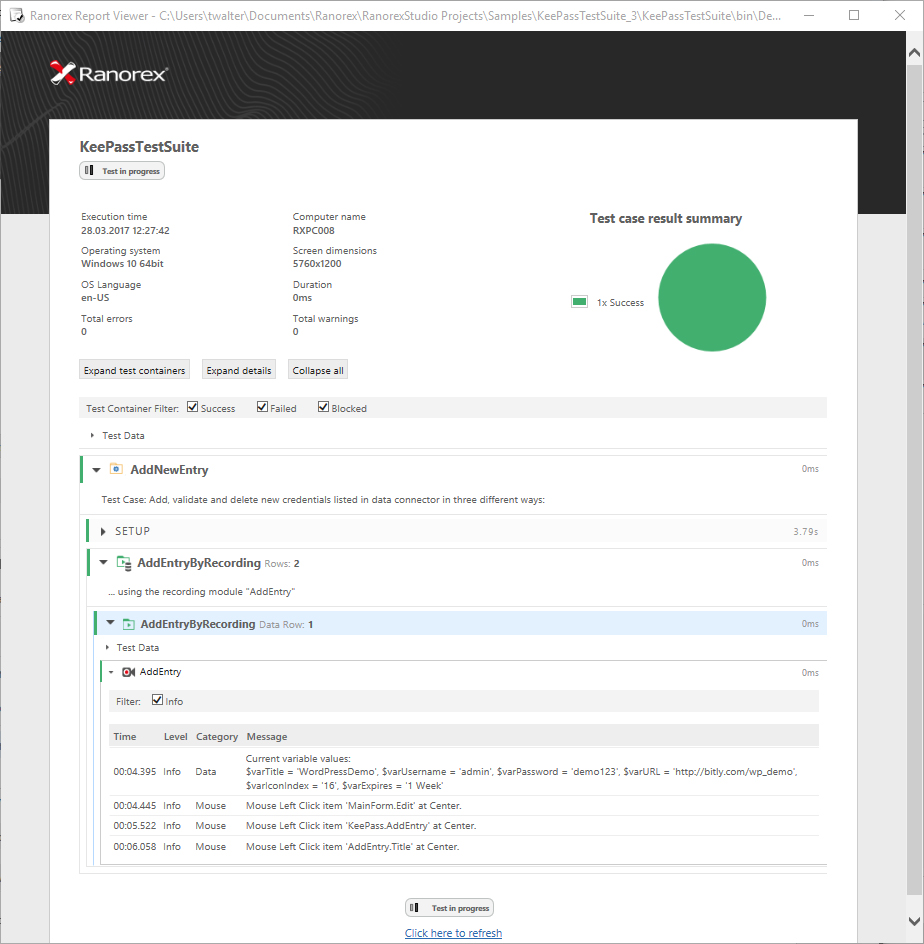
Best case scenario: You test the full range of functionality for every single code change. When performing continuous testing, it’s essential that the whole development team gets immediate feedback on the executed tests. Therefore, an easy to access and easy to read reporting mechanism is indispensable. This is where our test reports step in. You can fully integrate the lightweight test executables of our test suites into any continuous integration systems and share the resulting easily understandable report files with the whole team to ensure a high level of transparency. Not fast enough? You can also get live feedback during test execution: Simply open the test report while the test still runs to see if any test cases have failed so far. The earlier you know, the faster you can react.
High level of automation
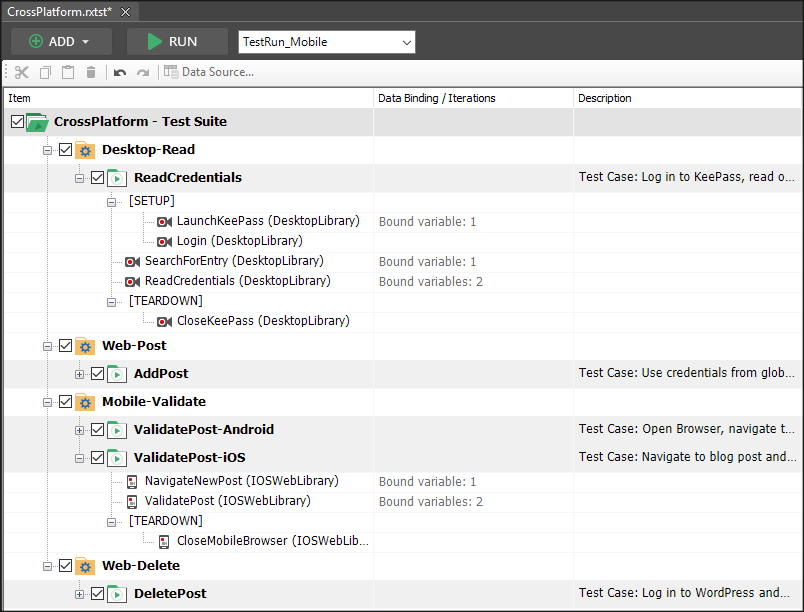
Fact is that manual testing is slow, labor intensive, inconsistent and buggy. If you want to rapidly respond to changing requirements and constant code changes, a high-level of automation is absolutely essential. Next to basic unit tests, acceptance tests and integration tests are highly important to test the full range of functionality. To reduce time and increase quality, test automation has to be an integral part of the project from the beginning. You can use Ranorex Studio to automate your entire range of UI tests.
Low overhead
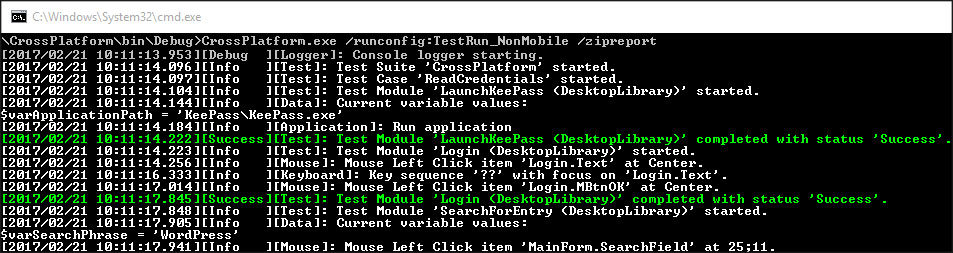
Sometimes, it make sense to create a simple throwaway test, which is used only in one specific sprint. In these cases, there’s neither time nor resources for a big setup. Using Ranorex Studio, you can easily automate such tests and integrate them in your existing test environment. The lightweight test automation projects of Ranorex result in executable files, which you can directly trigger from command line. The executable files inform you if the test has failed or succeeded. In addition a report file can provide detailed information about the test run. Perfect conditions to integrate into any continuous integration process.
Termination of testing roles
In an agile software development process, the whole team is responsible for quality. The borders between the traditional understanding of testers and developers blur. So, typical testers should be able to write unit tests or simple integration tests. In contrast, developers should also record UI tests. Using the broad set of tools ideal for all skill sets, you can set ideal conditions for developers and testers to work together on projects. Pick and choose – it’s up to you: Easily create script-free automated tests using the Ranorex Recorder, or quickly create and edit tests entirely in C# or VB.Net.

Termination of testing phase
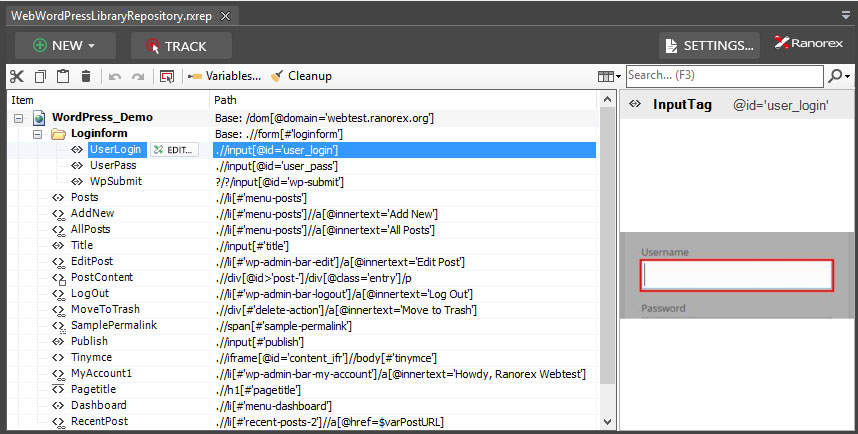
Finally in agile iteration cycles, there’s typically no time for a sequential processing of all testing levels (unit tests, integration tests, system tests, acceptance tests…). Therefore test automation has to be an integral part of the project from the beginning. As Ranorex Studio does not rely on dependencies, you can create test scenarios at any time. As soon as you know how the UI will look like, you can implement an automated test and refine the detailed paths of the repository elements as you go along.
As a result we’ve seen, agile testing is based on a high level of test automation. To set the ideal conditions for your team, make sure to get a tool, or a set of tools, that enable you to directly integrate automated testing in your continuous delivery pipeline, ensure a high level of transparency and enable collaboration within your team.
Do you want to get a head start to GUI testing and learn more about the major GUI testing techniques and types? Go ahead and check out our comprehensive GUI testing guide now!