
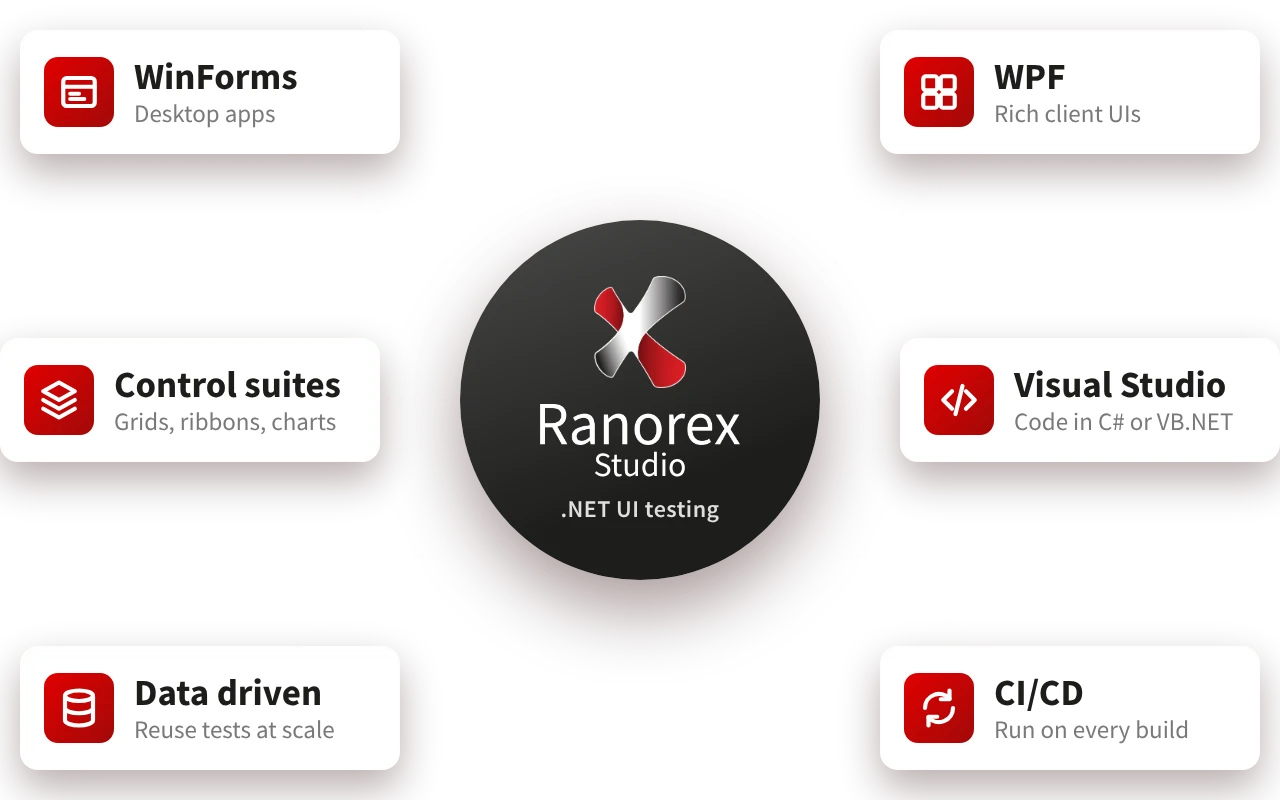
.NET is the foundation of Ranorex Studio. The IDE, test runner, plugins, and tools run on .NET 10, Microsoft's current long term support release, giving your team fast test execution, quick startup, and full use of your hardware. Test projects and user code in Ranorex Studio continue to target .NET Framework 4.8, so existing projects open and run unchanged.
Developers and technical testers can work with the Ranorex API for C# and VB.NET right from Visual Studio, or build flexible automation in the Ranorex Studio IDE, with full access to Ranorex libraries and NuGet packages. Testers get industry leading object recognition for WinForms and WPF applications, plus script free test creation. Project owners and managers can track progress through detailed test reports.

Simulate real user interaction and capture entire workflows without writing a single line of code: Use the Ranorex Recorder to automatically capture all elements you interact with during recording. Effortlessly enhance your tests with validations and parameters, convert actions to user code, or configure actions to represent different mouse movements, include time delays, key shortcuts, or invoke actions.

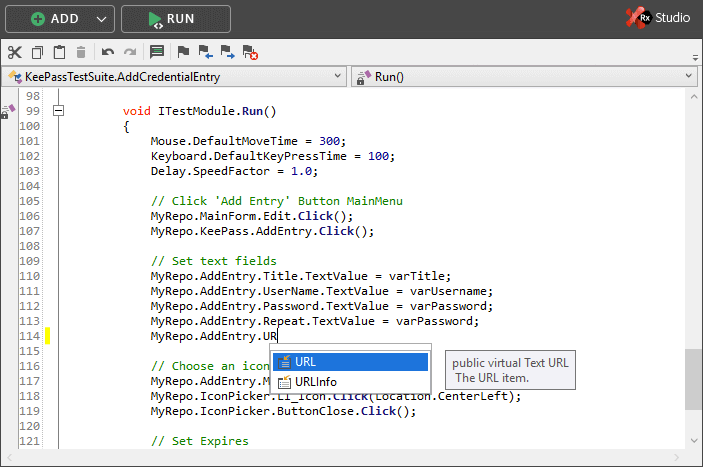
Build automation projects from scratch or extend recordings in code with the Ranorex API for C# and VB.NET. Teams building their own frameworks on the Ranorex API can target .NET Framework 4.8 or .NET 10. See the migration guide.

Use Ranorex Spy to investigate the user interface of your software under test, instantly track and analyze UI elements, and fill the central object repository with all controls utilized in your tests. You will receive a RanoreXPath for each element – a powerful syntax based on XPath to uniquely identify UI elements in desktop, web, and mobile applications.

Effortlessly manage and organize UI elements from your automated tests in the object repository. All elements that are identified are automatically saved in a hierarchical tree structure to this repository. Each object automatically receives a unique and logical name, and includes a screenshot of the element it represents. Because the repository separates the identification information, you will benefit from improved maintainability.

Ranorex Studio also provides an API for its comprehensive reporting mechanisms. The fully-customizable XML-based report, which can be shared and viewed on machines where Ranorex Studio is not installed, is easily understandable for non-technical users and provides a comprehensive overview of the test execution flow. It includes screenshots, is JUnit-compatible, and allows you to directly jump to failed test cases out of the report.

Create custom testing solutions and make the leap to continuous testing.
Add automated test cases created with Ranorex Studio to your existing ALM process, whether it’s based on Microsoft tools or other systems, such as JIRA and Bamboo. Integrate functional automated testing in your existing test framework in Visual Studio, check tests into source control projects using Microsoft Team Foundation Server (TFS), and of course, automatically trigger Ranorex Studio tests with each code change with Microsoft Test Manager.


Because Ranorex separates the runtime from test information, you can instantly reuse the same test in multiple environments. Combined with Ranorex Remote, you can increase productivity and run your tests in parallel on remote machines for instant cross-device and cross-browser testing.

Integrate nightly functional regression testing with your continuous integration process to ensure that new code does not break existing functionality. Since regression tests are highly time-intensive and repetitive, automation will allow you to increase efficiency and ROI.

Improve team performance, with easy-to-use tools that match all skill-levels in your QA team, comprehensive learning material, free automation webinars, professional support as well as worldwide training courses. Ranorex Studio ensures that you can achieve your .NET test automation goals.

The .NET environment is the foundation of Ranorex Studio. With over 10 years of experience, we are experts in .NET test automation requirements of QA teams and have made it our core mission to provide the test automation features they need.